Versions-log

Recent updates and changes from Design Wallet.

V3.0 Pegasus

  1. v3.0

    The Design Wallet Homepage
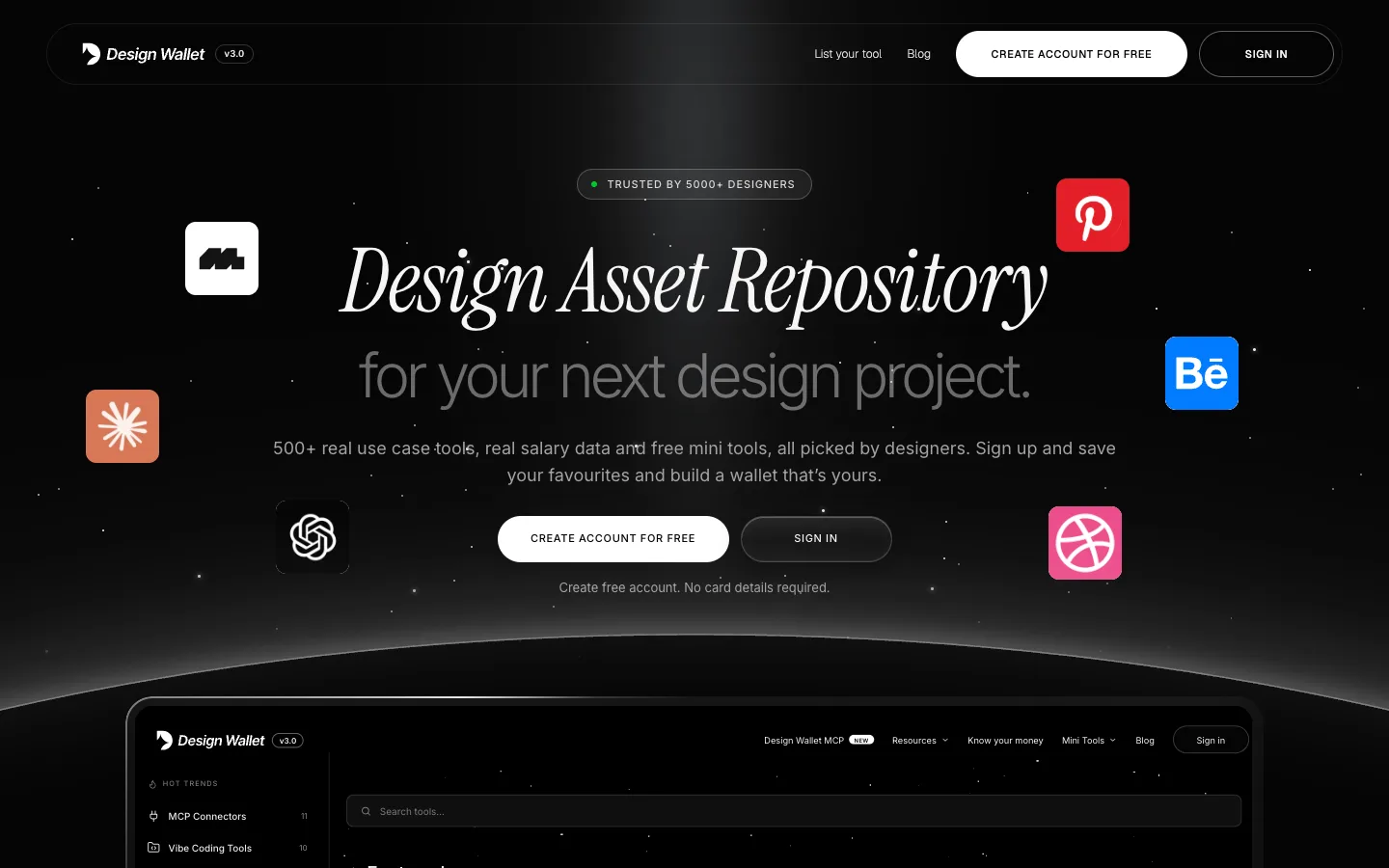
    The new Design Wallet homepage: a soft light beam over a starry sky, the headline Design Asset Repository for your next design project, Create account for free and Sign in buttons, tool icons floating either side, and the Design Wallet dashboard rising over a glowing horizon

    Design Wallet now has accounts. Sign up for free to browse the full catalogue, save the tools, books and portfolios you love, and come back to them on any device. You can also find design tools from inside your AI chat, and every page now works on your phone.

    • Free accounts. Sign up with your email and a password, or with Google. No card details, ever.
    • A quick welcome. Tell us your role, level, city and what you’re here for, so the salary data and picks line up with you. Opt in to the newsletter in the same step.
    • Favourites. Tap the heart on any tool, book or portfolio to save it. Your saves sit behind the heart beside your name in the menu.
    • See what designers love. Each tool shows how many people have saved it.
    • You’re in charge of your data. Change your profile any time, or delete your account yourself in one step.

    Sign up and sign in
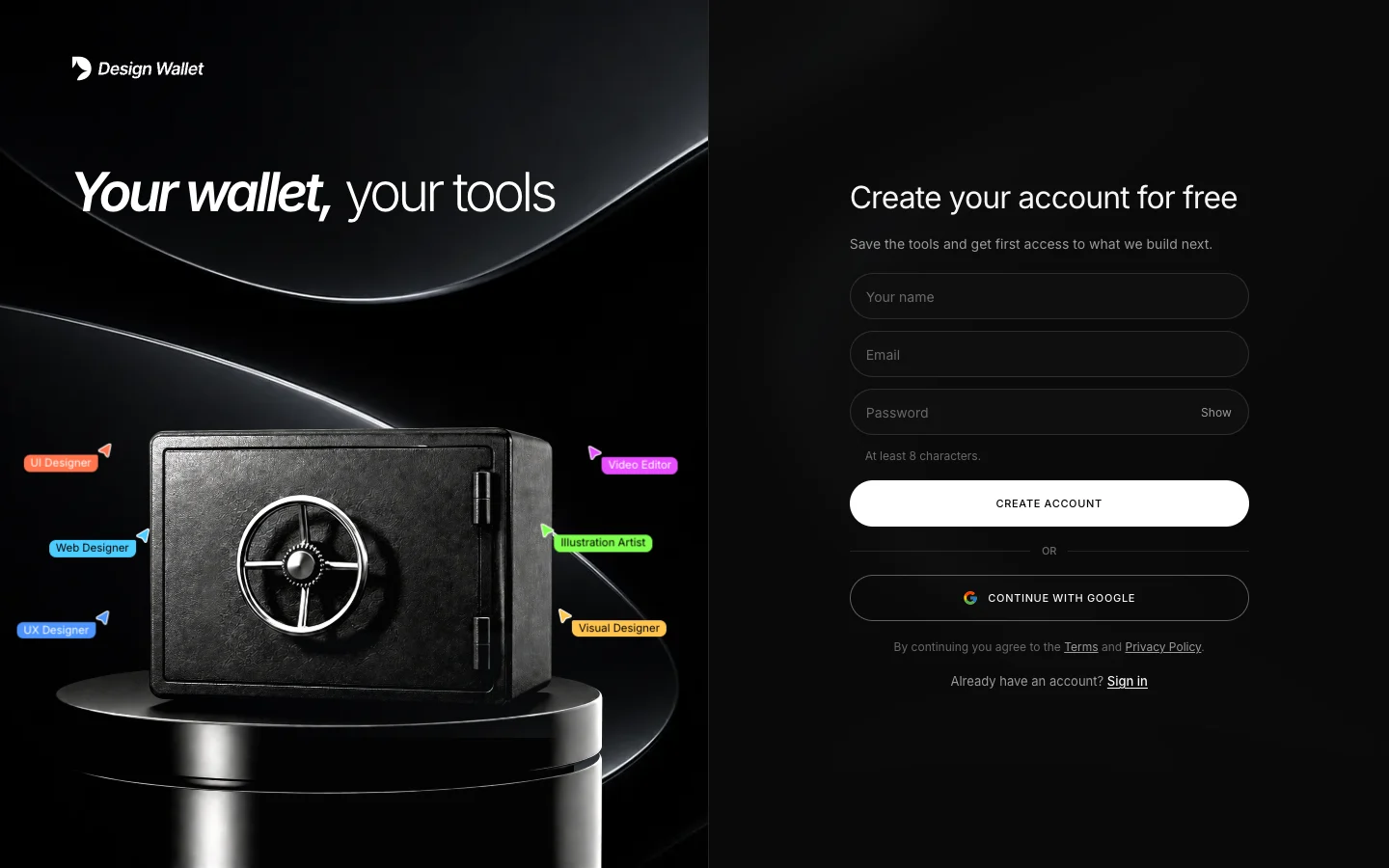
    The Design Wallet sign-up page: the headline Your wallet, your tools over a safe on a pedestal with name tags for six designer roles, beside a form for name, email and password, with Create account and Continue with Google

    New sign-up and sign-in pages, built around the Design Wallet safe.

    • Two ways in. Your email and a password, or one click with Google.
    • Forgot your password? Reset it from the sign-in page with a link sent to your inbox.
    • A short welcome. Right after signing up, tell us your role, level and city, and what you’re here for.
    • Emails that look like us. Confirmation and password emails now carry the Design Wallet look.

    A fresh look of homepage
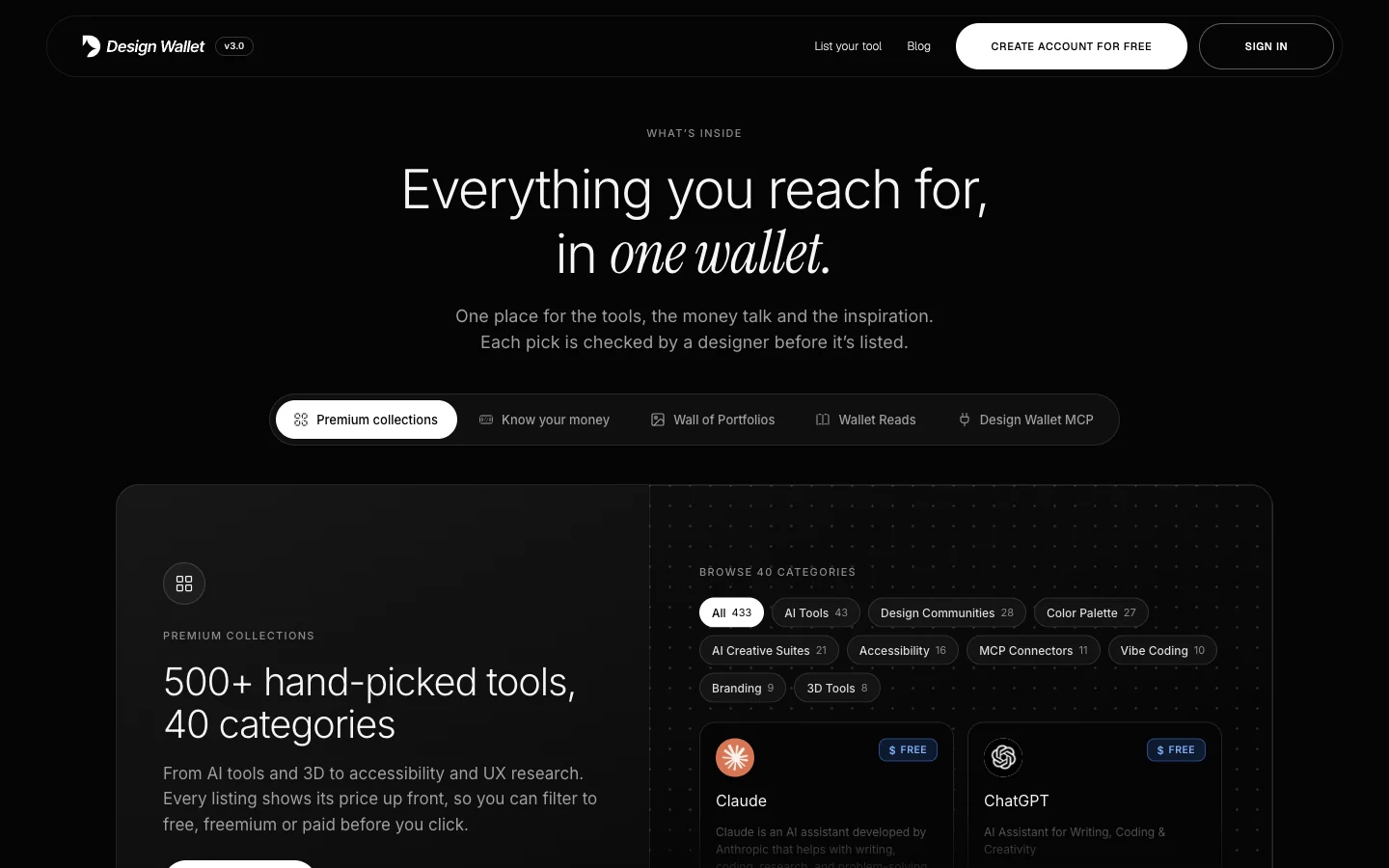
    The What's inside section of the new homepage: five tabs, Premium collections, Know your money, Wall of Portfolios, Wallet Reads and Design Wallet MCP, above the Premium collections panel with category chips and tool cards

    A fresh front door that shows what’s inside before you sign up.

    • What’s inside. Five tabs walk through the catalogue, salary data, Wall of Portfolios, Wallet Reads and Design Wallet MCP, each with its own small animation.
    • Who is this for? Open a role (UI/UX, motion, visual, video or AI designer) to see the tools that designers in that role reach for.
    • Voices that shape our wallet. What designers have said about Design Wallet, plus our Product Hunt launch.
    • Answers up front. A short FAQ, including how to get your tool listed, and a sign-up box at the bottom of the page.

    Design Wallet MCP: find design tools inside your AI chat
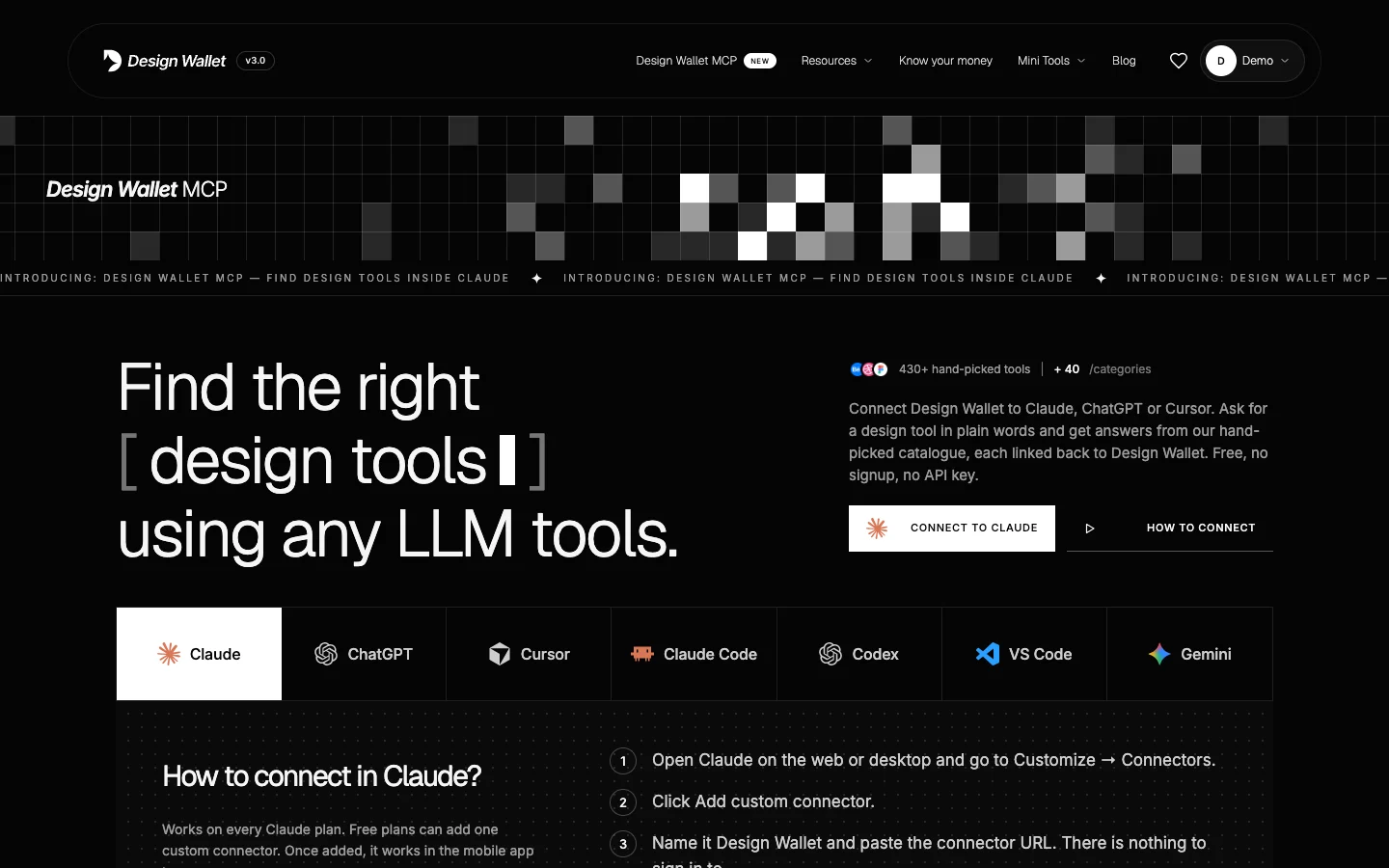
    The Design Wallet MCP page: the headline Find the right design tools using any LLM tools, a Connect to Claude button, and tabs for Claude, ChatGPT, Cursor, Claude Code, Codex, VS Code and Gemini

    Connect Design Wallet to Claude, ChatGPT, Cursor and more, and ask for a design tool in plain words.

    • Ask in your AI app. Search tools, browse categories, compare tools, check designer salaries, and find articles and books without leaving the chat. Answers come only from Design Wallet's hand-picked list.
    • Works in 7 apps. Claude, ChatGPT, Cursor, Claude Code, Codex, VS Code and Gemini. Free, with no signup and no API key.
    • A page to get you set up. Step-by-step setup for each app with a one-click Copy MCP button, real prompts to try, and answers to common questions.

    Design Wallet: Mobile Version
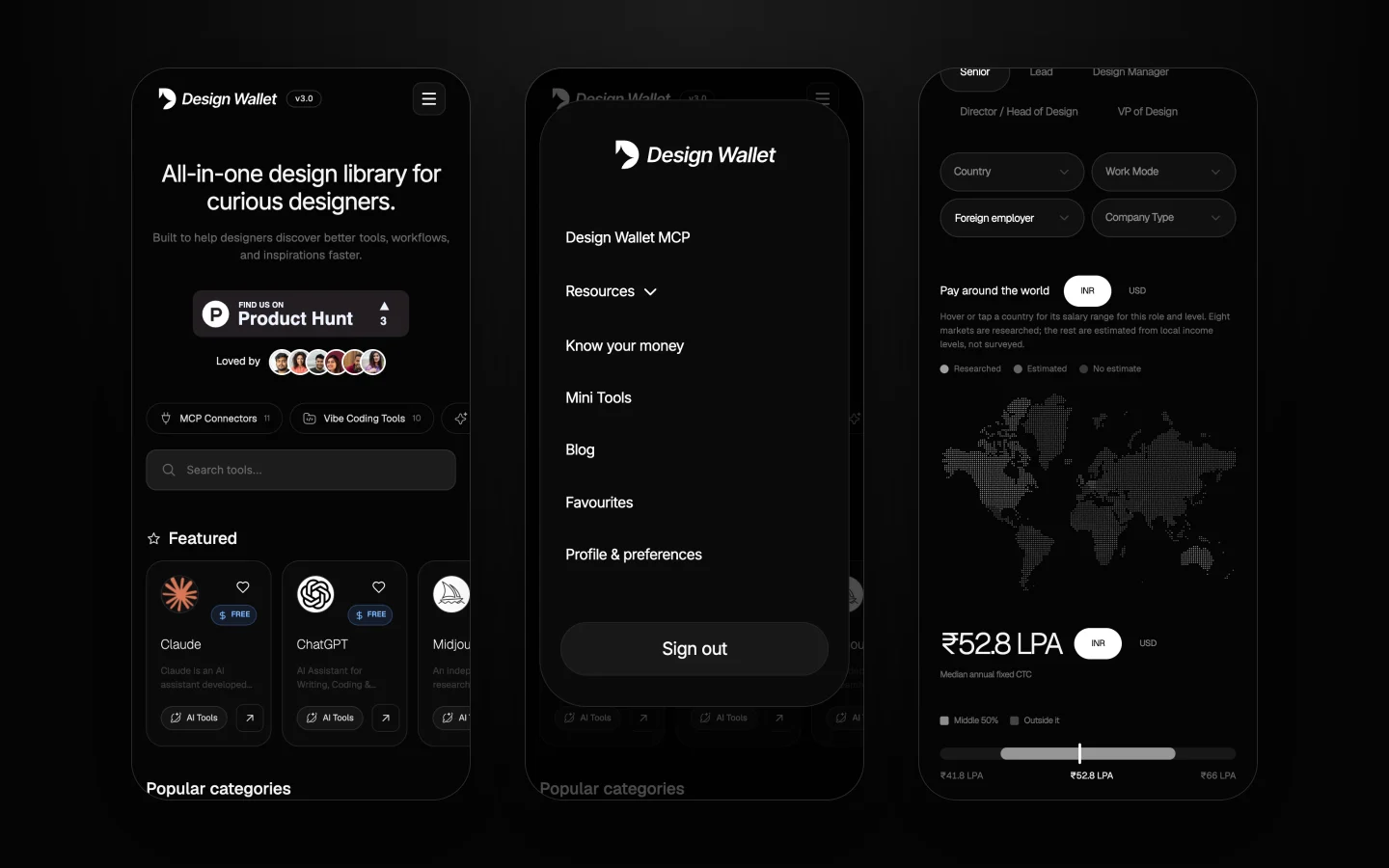
    Design Wallet on three phones: the catalogue with swipeable category chips, the pop-up mobile menu, and the Know your money world map

    The desktop-only screen is gone. Every page now works on phones.

    • Swipe through categories. The catalogue's sidebar becomes a row of chips.
    • A new mobile menu. A pop-up card with all the links in one place.
    • Tap the maps. On Know your money, tap a state or country to see its figures.

    Smaller updates
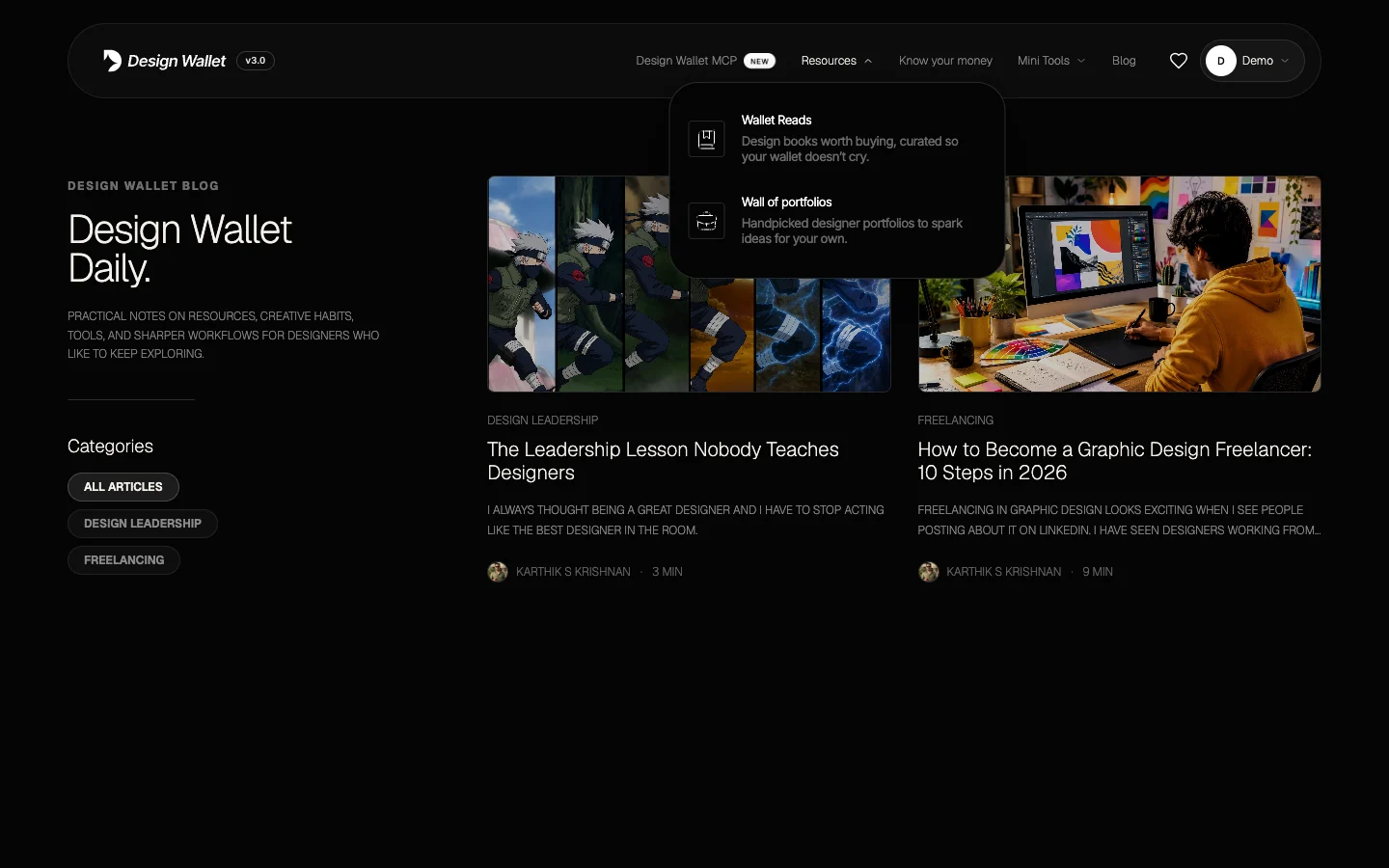
    The Resources menu open as cards: Wallet Reads and Wall of portfolios, each with an icon and a one-line description
    • Open to everyone. Mini Tools, the Blog and List your tool need no account.
    • Resources, as cards. Each one with an icon and a one-line description.
    • Four across. The Wall of Portfolios shows four portfolios per row on laptops.
    • Good deals is taking a break while we rethink it.
    • Fixes. The salary submission form shows its labels and your choices again.
V2.0 Ursa

  1. v2.4

    Know your money: salary maps for India and the world

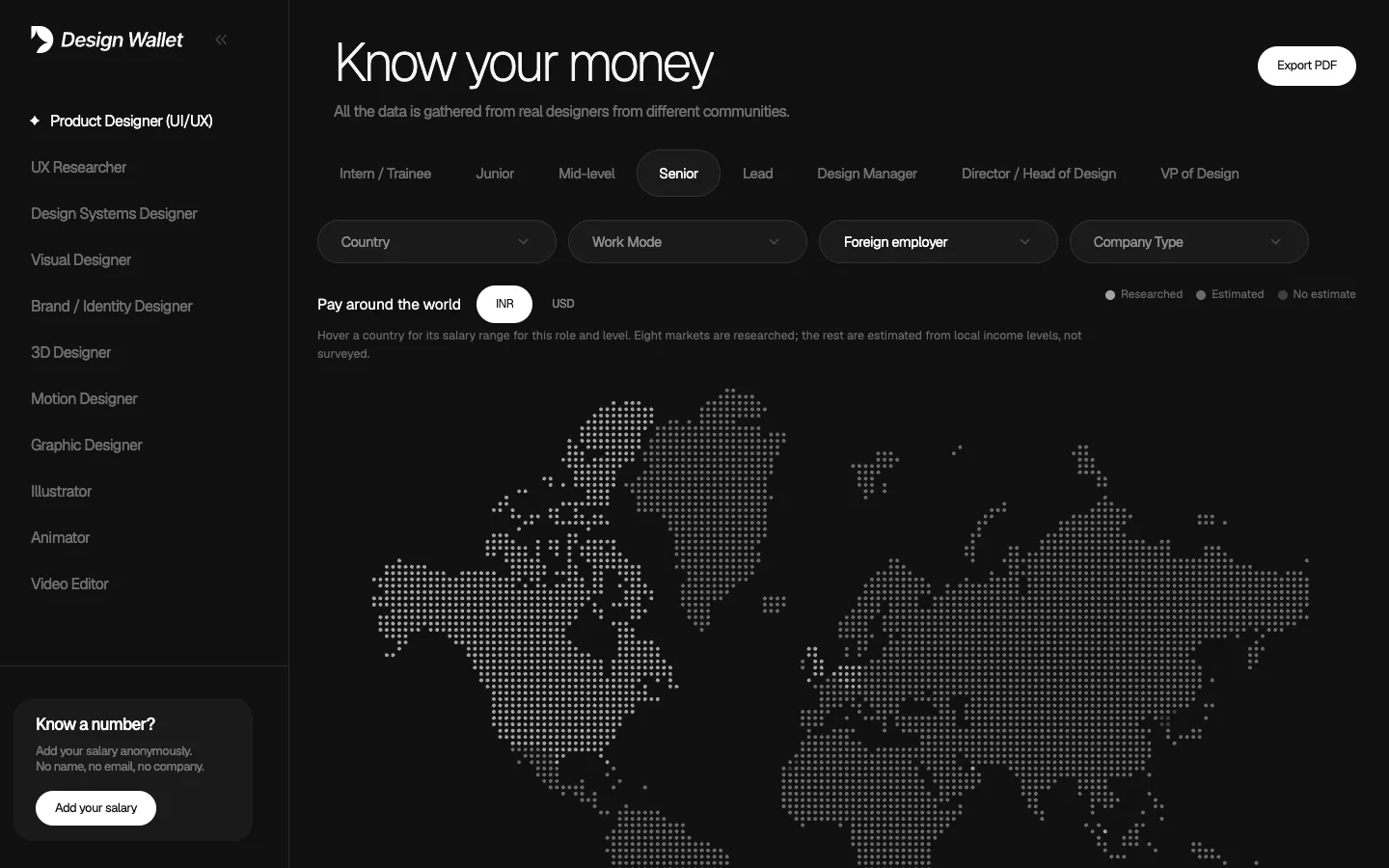
    Know your money with Foreign employer selected, showing a dotted world map under the filters, with an INR and USD switch beside the title Pay around the world

    See what designers earn beyond your own city. Hover a country or an Indian state and the pay range for your role and level pops up. Plus two new mini tools, a pre-loader on the homepage and filters on the Wall of Portfolios.

    • Salary maps — hover any country (with a foreign employer) or any Indian state for its pay range. Eight countries are researched; the rest are estimated from local income levels.
    • A cleaner Know your money — a simpler sidebar, filters, and an INR/USD switch right on the maps.
    • Background Remover — hair-accurate cutouts in your browser; your image is never uploaded.
    • Mini tools, sorted — the tools page is grouped by category, and every tool shares one look.

    Website Brandkit Generator

    Paste any website's link and get its brand kit in seconds.

    • Colors, ready to copy. The site's palette, every swatch one click away.
    • Fonts in their own style. The heading and paragraph fonts, each shown in its own typeface.
    • Design assets. Logos, icons and images pulled from the site, with a live preview beside them.
    • Download brandkit. The color sheet, the assets and installable .ttf font files in one zip.

    Pre-loader added

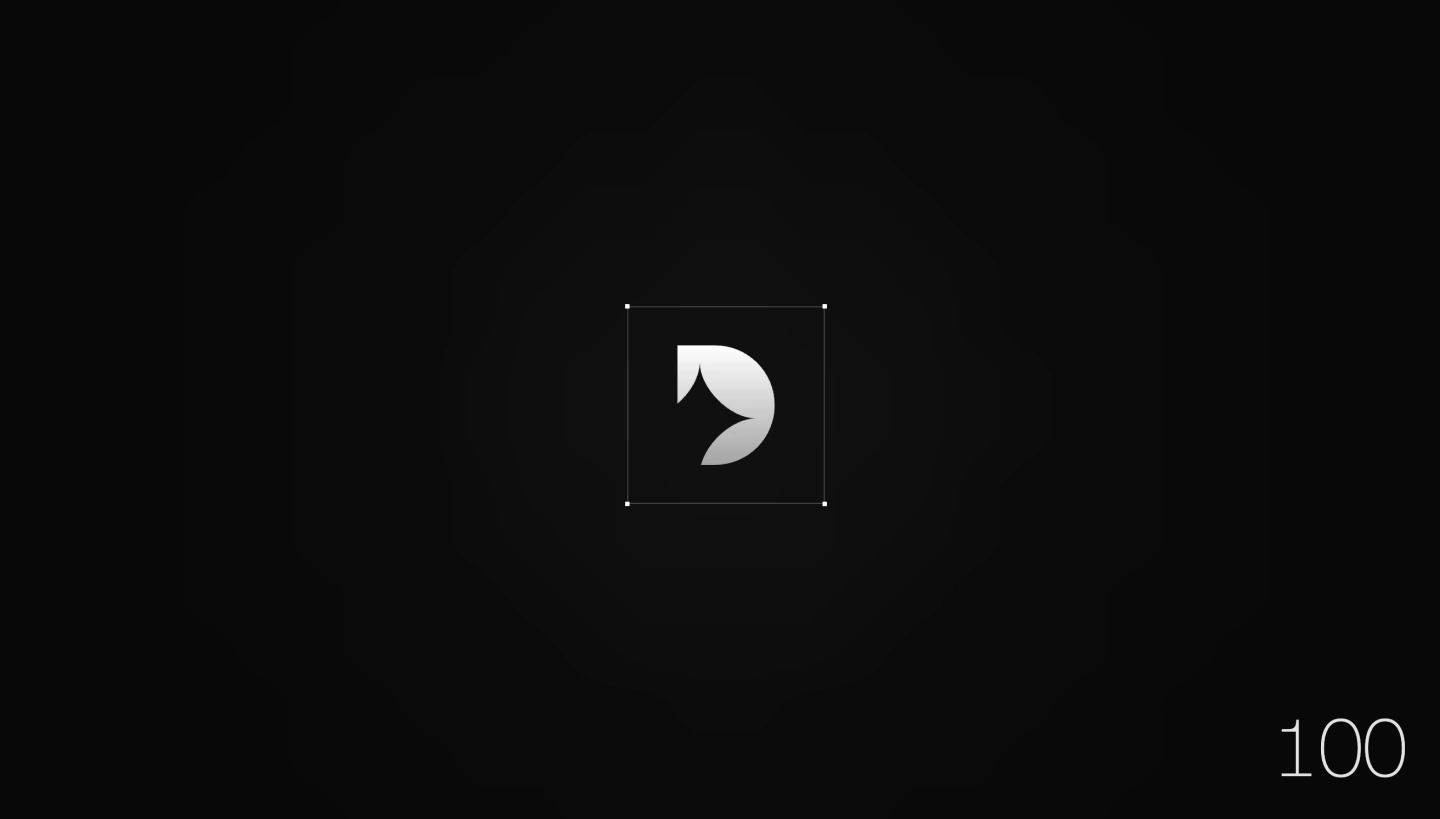
    The Design Wallet pre-loader: the white Design Wallet mark inside a thin square frame with small white squares at its corners, on a dark background, with the counter reading 100 in the bottom right

    The homepage now opens with a short animation.

    • The frame builds itself. Four small squares meet in the middle, spread out to the corners and draw a box.
    • The Design Wallet mark appears slat by slat inside it, while a counter runs to 100.
    • Then the box opens up and the page fills the screen.

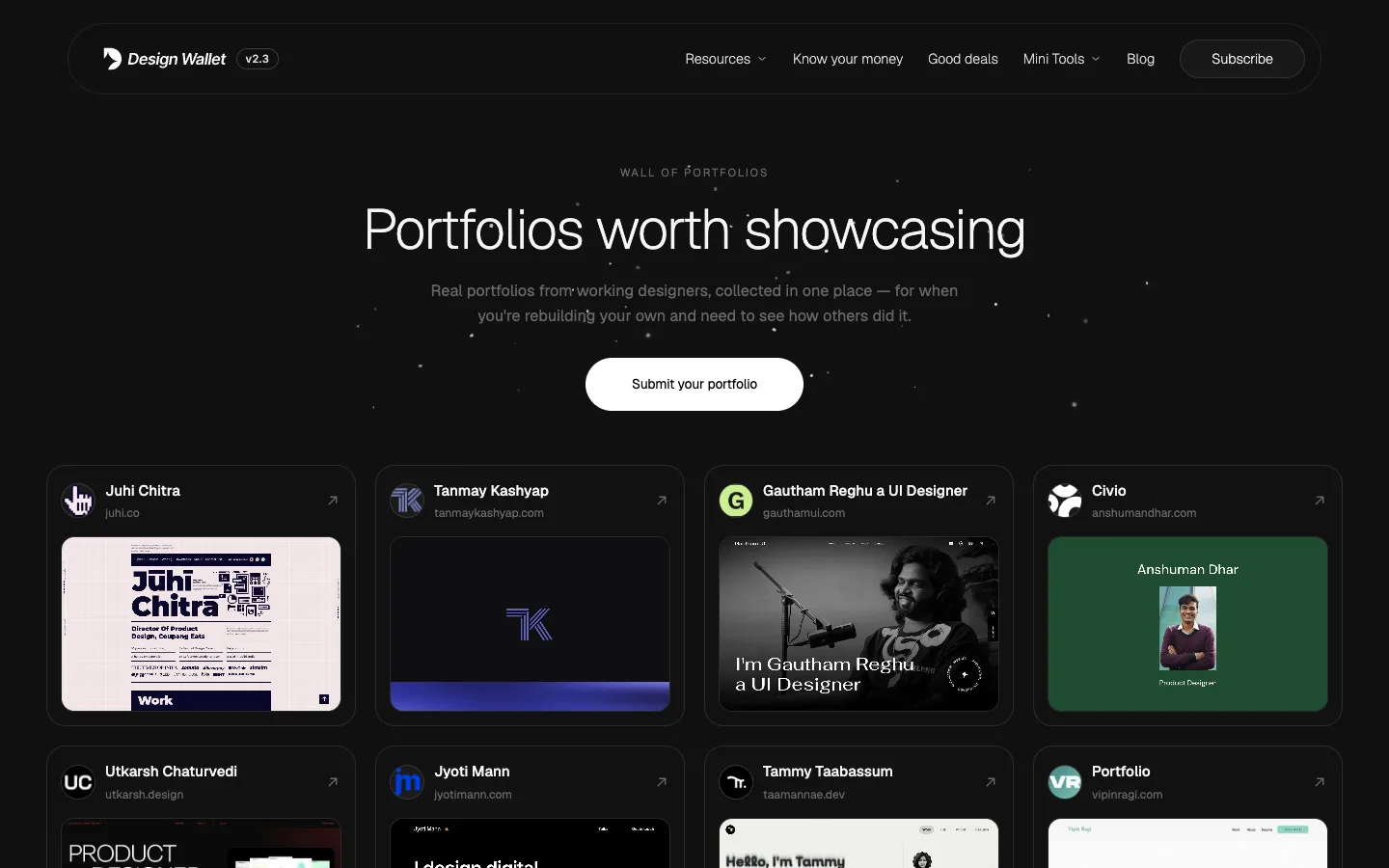
    Filters on the Wall of Portfolios

    Find the kind of portfolio you're after without scrolling the whole wall. Browse by Product, Visual, UI/UX or Motion Graphic designers, or search by name, description or website for the one you remember.

  2. v2.3
  3. v2.2

    Mini Tools: free tools for everyday design work

    Design Wallet now makes its own tools. They're free, run in your browser and need no sign-up, and they all live together under Mini Tools in the nav.

    Color Code Converter

    Type a colour once and get it in every format you need.

    • Six formats at once. HEX, RGB, HSL, HSV, OKLCH and CMYK, updating as you type.
    • Copy in one click. Every value is ready to paste into CSS or your design file.
    • Export your colours as a set of codes to keep or share.

    Glassmorphism CSS Generator

    Design a frosted-glass effect visually, then take the code with you.

    • Live controls for blur, transparency, saturation, tint, border, depth, drop shadow and glow, with a live preview.
    • Copy as CSS, Tailwind or React.
    • Randomize with locks. Pin the settings you like and reroll the rest, or reset to start over.

    All in one place

    • A new Mini Tools menu in the nav, with an icon and a one-line description for each tool.
    • A Mini Tools page listing every tool, so new ones are easy to find as they arrive.
  4. v2.1

    "Know your money" dashboard: What designers earn

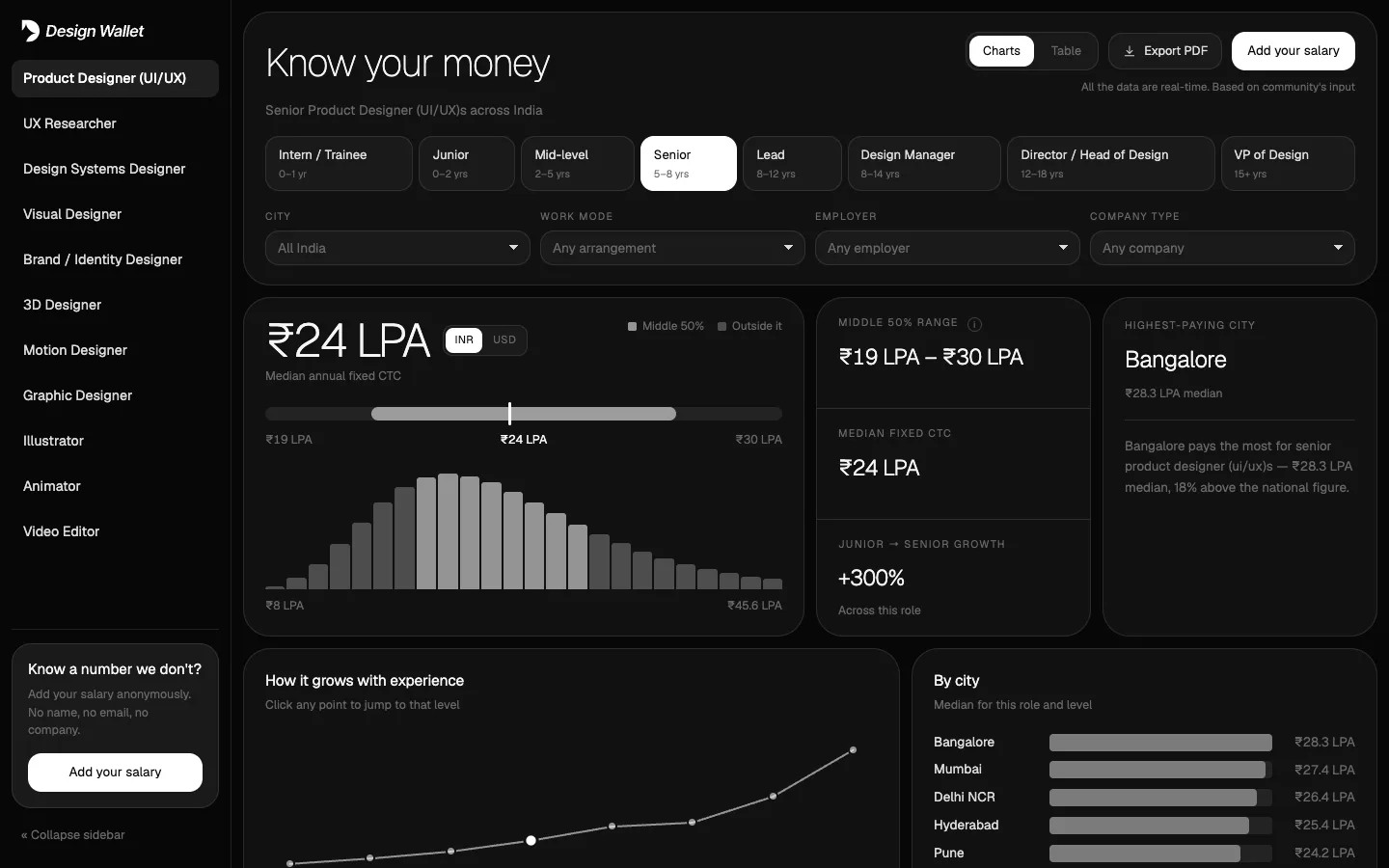
    The Know your money salary dashboard, showing a senior product designer's median pay, range and distribution

    A free salary dashboard for designers. Pick a role and a level, then narrow it down by city, work mode, employer and company type, and every chart updates as you go.

    • 11 design roles, intern to VP. Median pay, the middle 50% range, growth with experience, and how cities, disciplines and company types compare.
    • Pay abroad. Choose a foreign employer to compare the United States, UK, Germany, Canada, Australia, the Netherlands, Singapore and the UAE.
    • INR or USD. Switch every figure on the page between rupees and dollars.
    • Take it with you. Export a five-page PDF report of your selection, or flip to a table of every figure.
    • List your tool. Tool makers can book a call to get their product listed.

    New Hot trends collections

    Three new collections for the tools designers are talking about right now, pinned under Hot trends at the top of the sidebar so they're one click away.

    • MCP Connectors. Connect your design tools to AI assistants.
    • AI Creative Suites. All-in-one AI platforms for images, video and design.
    • Vibe Coding Tools. Turn designs and ideas into working apps and sites.
  5. v2.0

    A whole new look, open source for everyone.

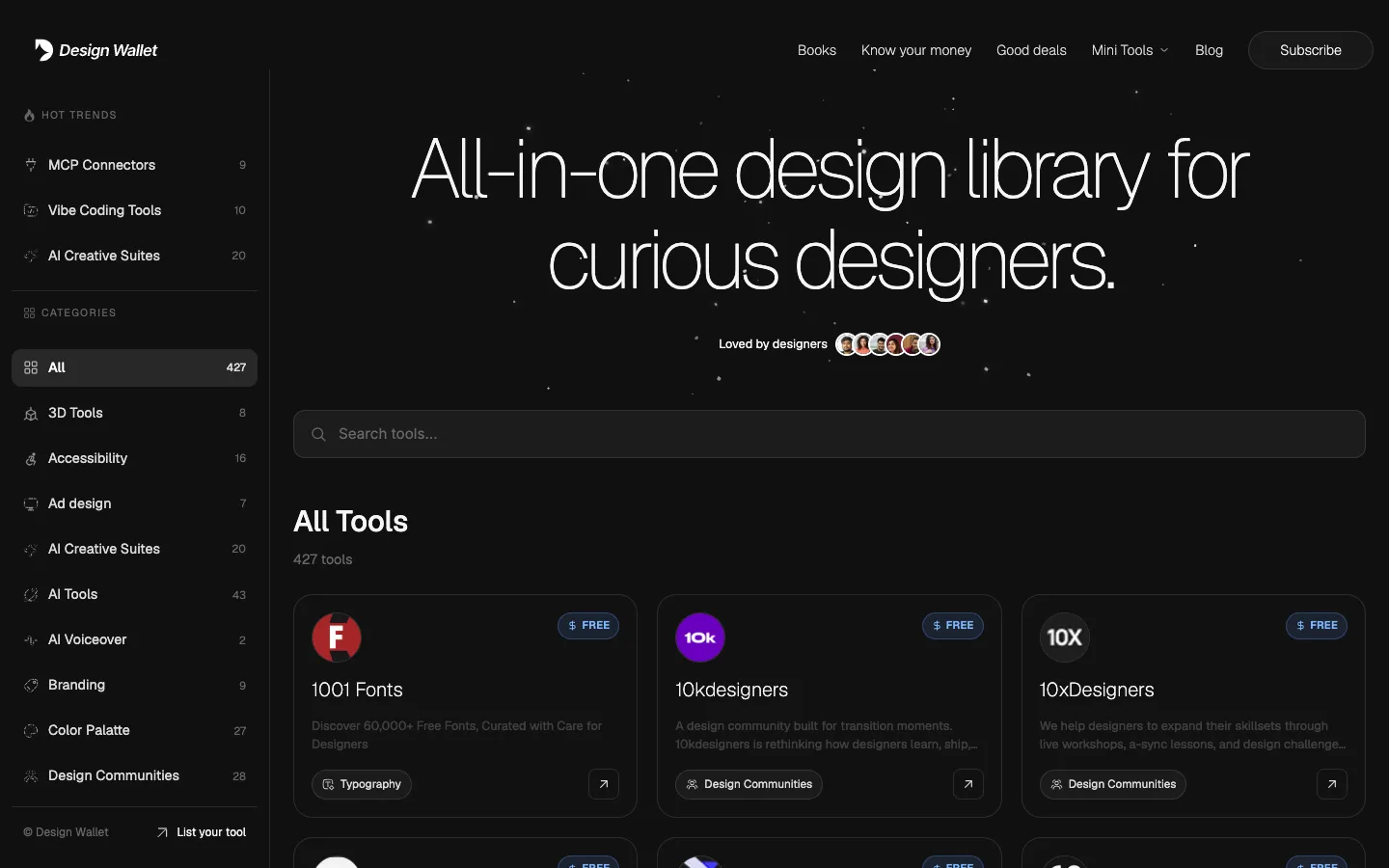
    The redesigned Design Wallet homepage with the category sidebar, starfield hero and tool grid

    Design Wallet is now completely free. No paywall, no account. The whole library opens straight onto the homepage.

    • The library is the homepage. Browse 400+ tools from the first screen, with a sidebar of categories.
    • An icon for every category. 37 custom icons across the sidebar and the tool cards.
    • Sharper tool logos, delivered at full resolution and sized consistently.
    • Good deals, a new page for discounts on the tools we recommend.
    • A newsletter, so new resources reach your inbox.

V1.0 Orion

  1. v1.2

    Submit your portfolio

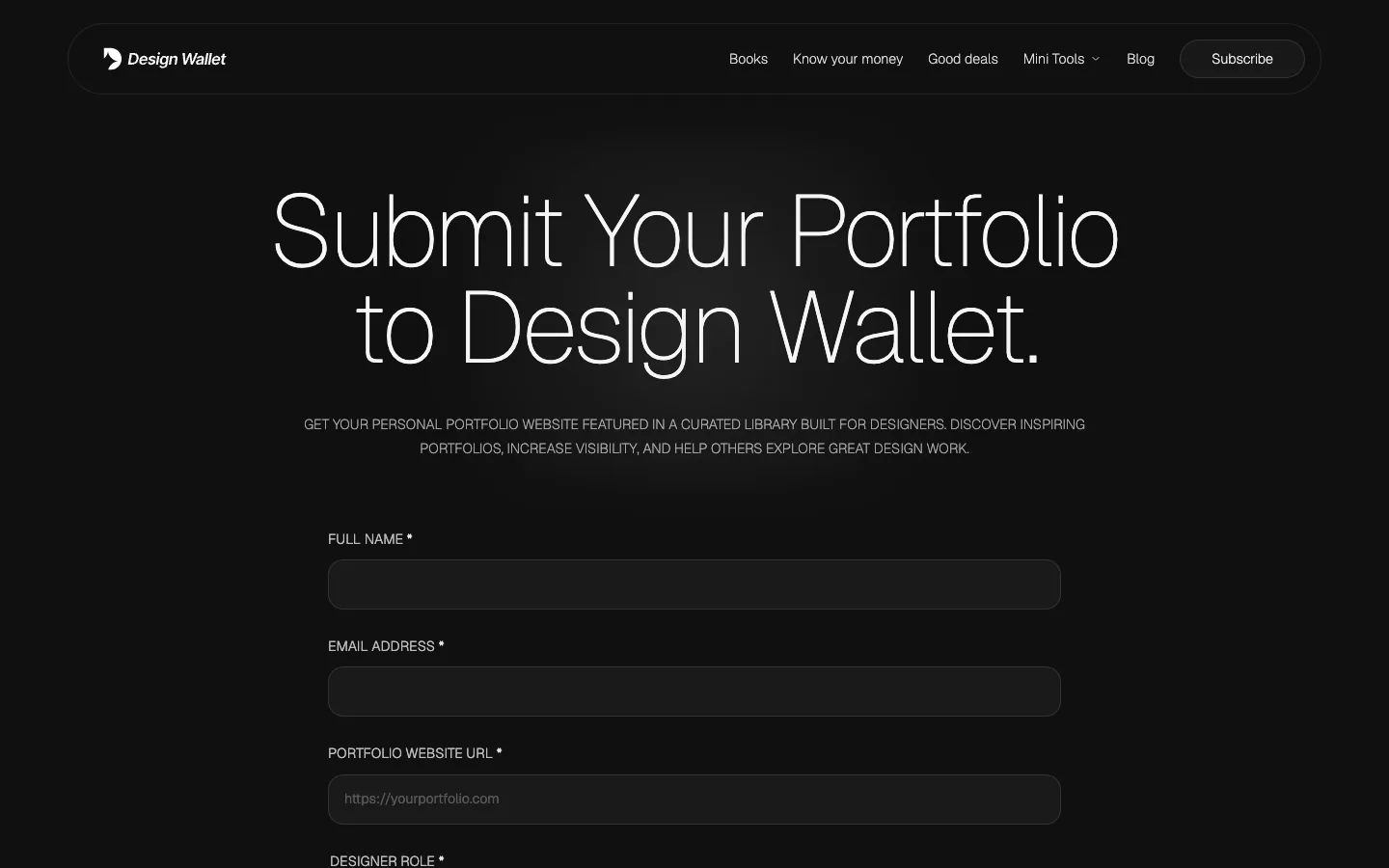
    The Submit your portfolio page with its submission form

    Designers can now send their portfolio website to be featured in the library, and the blog gained a new story.

    • Portfolio submissions. A short form to get your portfolio in front of other designers.
    • New on the blog: The Leadership Lesson Nobody Teaches Designers.
  2. v1.1

    A better blog and a refreshed homepage

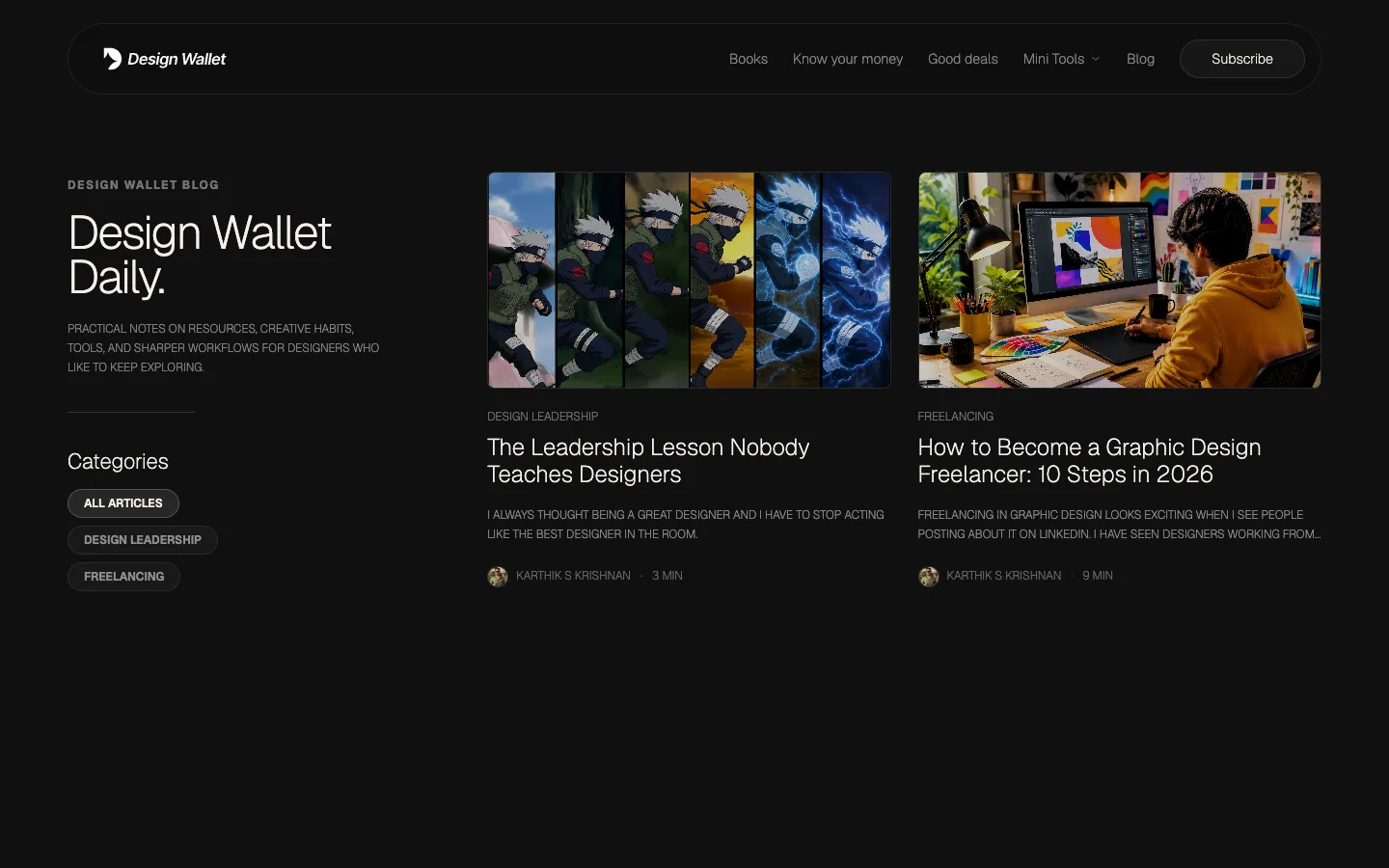
    The Design Wallet Daily blog index with article cards and categories

    The blog got a redesign and search, the homepage got new copy and navigation, and links now share properly.

    • Design Wallet Daily, restyled, with search and category filters.
    • First long read: How to Become a Graphic Design Freelancer: 10 Steps in 2026.
    • Rich link previews when you share the site or a blog post.
    • Homepage and navigation updates, including a Blog link and fixed category links from search.
  3. v1.0

    Design Wallet is live

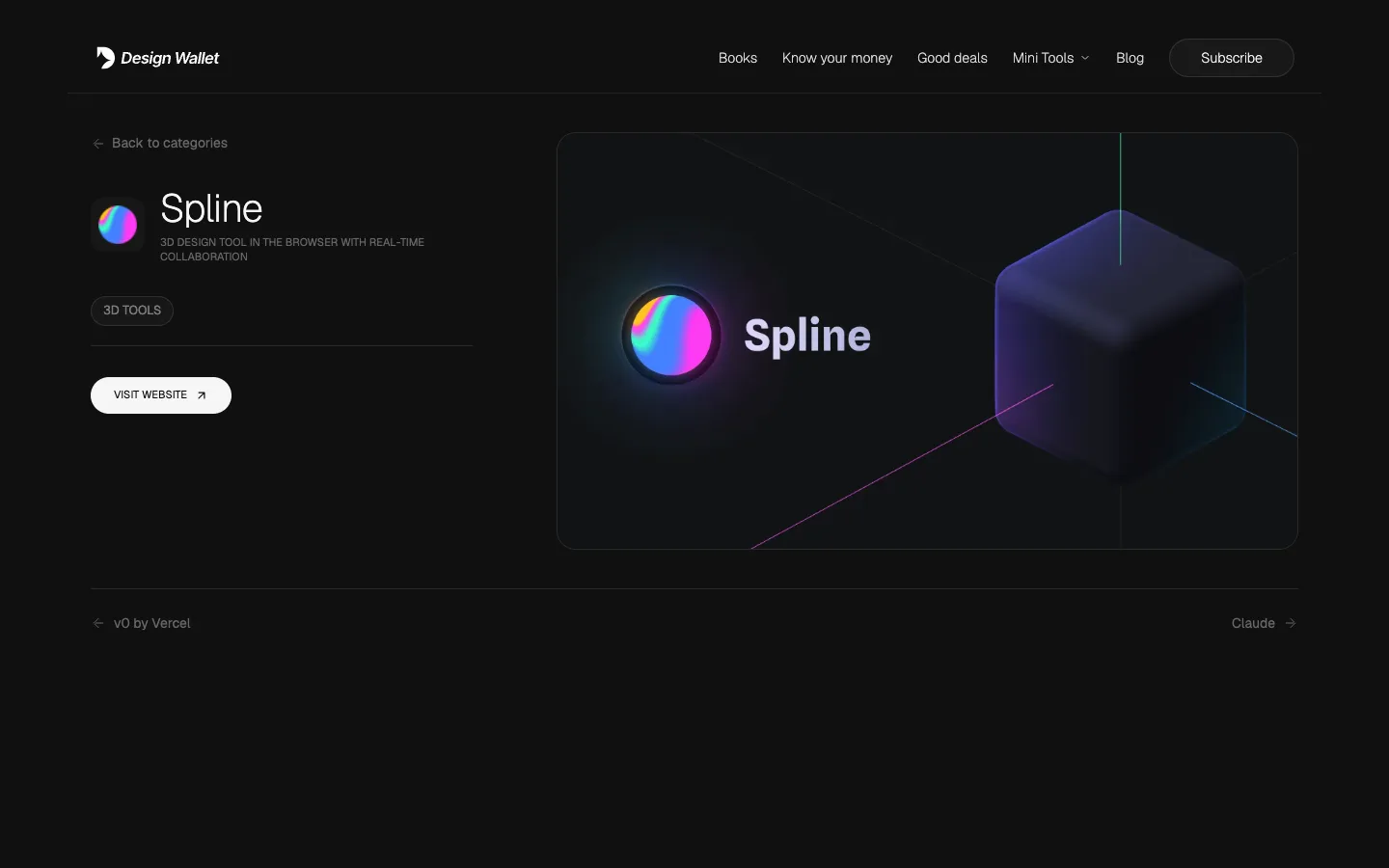
    A Design Wallet tool page for Spline, with its description, category and visit link

    The first release of Design Wallet: a curated library of design tools and resources for curious designers, at designwallet.in.

    • A curated tool library, with search and category filters.
    • A page for every tool, with clean, shareable links.
    • The Design Wallet blog, published straight from our writing workspace.
    • Privacy policy and terms, and faster page loads.